
Vibe Coding and AI-Assisted Software Development
Learn how modern developers build software with artificial intelligence in this structured 18-lesson vibe coding course for teenagers.
Vibe coding has developed far beyond asking an AI chatbot to generate a few lines of code. Modern coding agents can inspect repositories, edit multiple files, use development tools, run commands and tests, and carry out substantial parts of a software project. That makes understanding how to direct, control and verify AI more important than simply knowing how to ask it for code.
This course explores AI-assisted software development from a developer's point of view. Learners study frontier models, coding agents, agent harnesses, AI development tools, specifications, prompt and context engineering, safe boundaries, project investigation, debugging, Git, testing, MCP, subagents, security and professional development workflows.
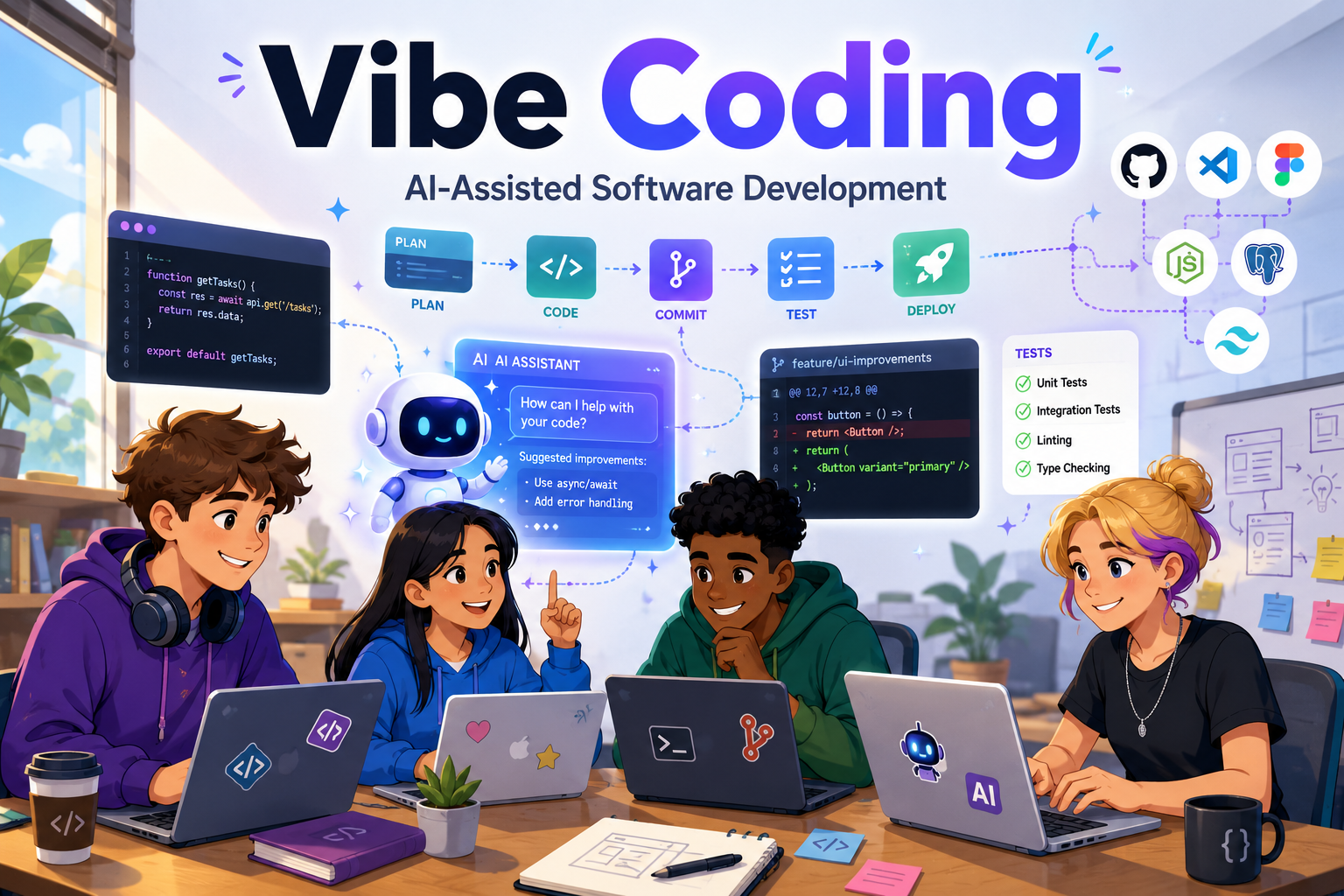
Learn Vibe Coding and AI-Assisted Software Development
Software development is changing. Developers can now work with AI systems that understand natural-language instructions, inspect existing projects, suggest architecture, edit code and use development tools.
That does not mean the developer has become unnecessary. The work is shifting. Less time may be spent manually typing every line of code, while more attention is needed for defining problems, explaining requirements, choosing tools, controlling context, setting boundaries, reviewing changes and proving that the finished software actually works.
This vibe coding course teaches that wider development process. Learners move from understanding modern AI coding tools to managing capable agents safely and building a professional AI-assisted development workflow.
Follow the Vibe Coding Course
The course contains 18 lessons. You can start at Lesson 1 and work through them in order, or use these stages to see how the different parts of modern vibe coding and AI-assisted software development fit together.
Understanding Modern Vibe Coding
Lessons 1 to 4 explain how AI is changing software development, how models become coding agents, which tools developers can use and which traditional skills still matter.
Specifications, Prompts and Context
Lessons 5 to 8 develop clear specifications, prompt engineering, context engineering, project rules, reusable instructions, skills and AI memory.
Models, Agents and Safe Boundaries
Lessons 9 and 10 explore choosing the right model and working mode, then defining permissions and boundaries before an AI agent begins work.
Investigate, Plan and Build
Lessons 11 and 12 teach an inspect-first development process and show how complex work can be divided into controlled stages without losing oversight.
Debugging, Git and Verification
Lessons 13 to 15 cover evidence-based debugging, reviewing Git diffs and using tests and verification to prove that AI-generated changes work.
MCP, Tools and Connected Agents
Learn how agents connect to external tools and systems through MCP while controlling authentication, authorisation, data access and permissions.
Subagents and Professional AI Development
Lessons 17 and 18 explore subagents, parallel development, autonomous workflows, software security and the standards needed for responsible AI-assisted development.
Browse All 18 Vibe Coding Lessons
Jump to the complete course list below and choose any lesson from Vibe Coding and AI-Assisted Software Development.
Featured Vibe Coding Lessons
These lessons show how the course develops from understanding modern AI coding tools to planning, controlling, reviewing and securing increasingly capable agentic development workflows.

Lesson 1: Vibe Coding and the New Way Developers Build Software
Discover how AI-assisted development changes where a developer spends their effort and why defining success, controlling the process and judging the result remain human responsibilities.
Explore this lesson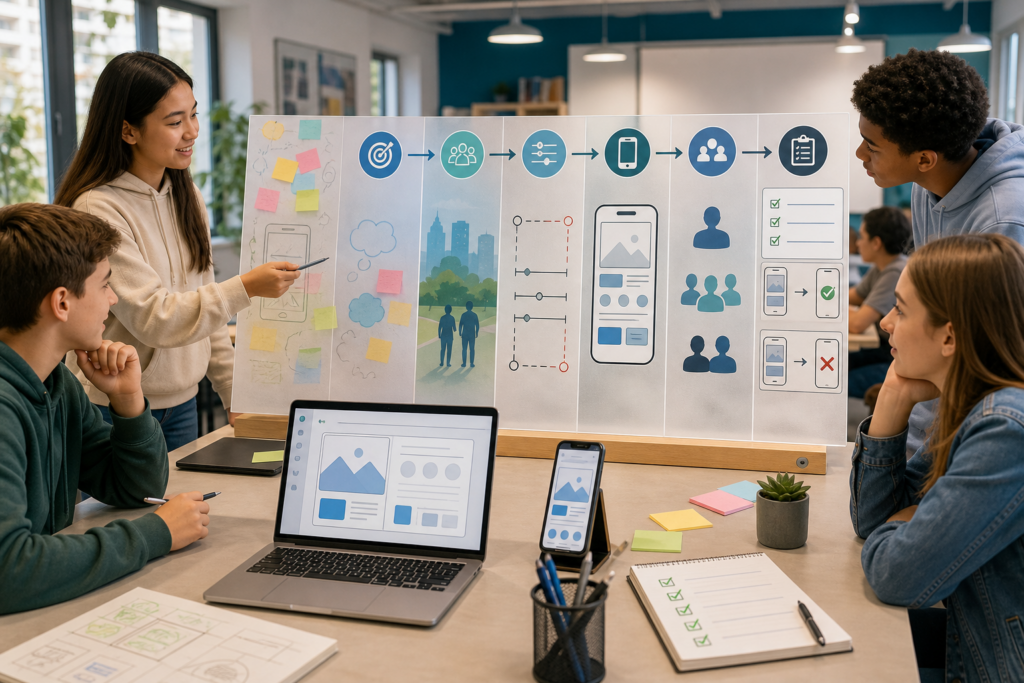
Lesson 5: Turning an Idea Into a Clear AI Development Specification
Learn how an informal idea becomes a clear development specification containing requirements, constraints, acceptance criteria and a useful definition of done.
Explore this lesson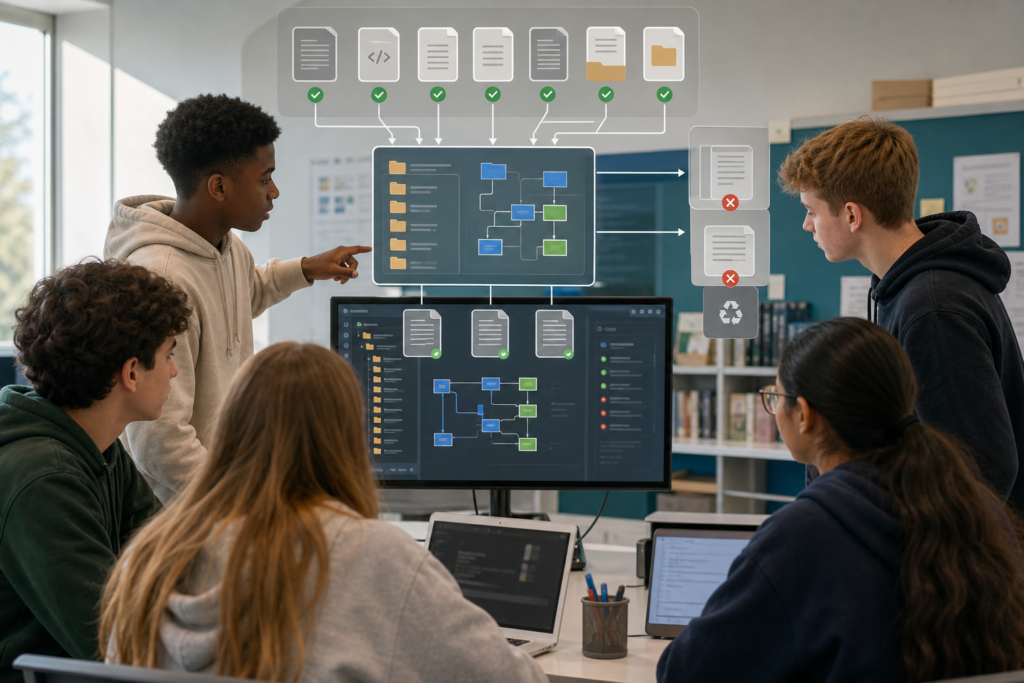
Lesson 7: Context Engineering and Teaching AI About Your Project
Explore how repository structure, project rules, relevant files and persistent instructions give an AI the knowledge it needs to work safely inside a real codebase.
Explore this lesson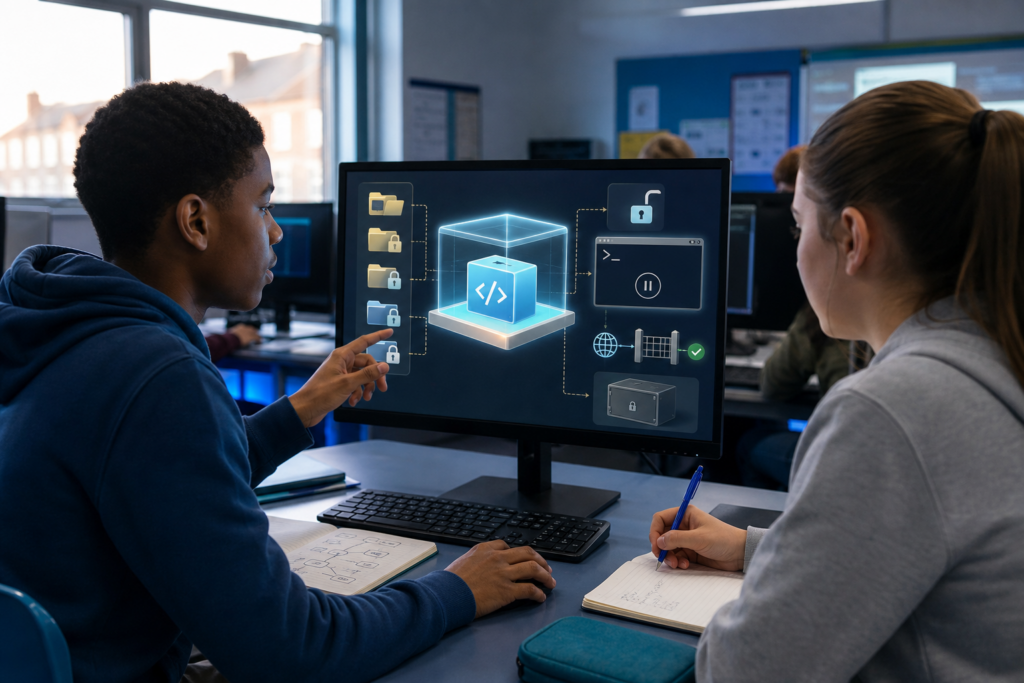
Lesson 10: Setting Safe Boundaries Before an AI Agent Starts Work
Learn how sandboxes, tool permissions, protected files, command approval, secrets and least privilege can limit what a powerful coding agent is allowed to do.
Explore this lesson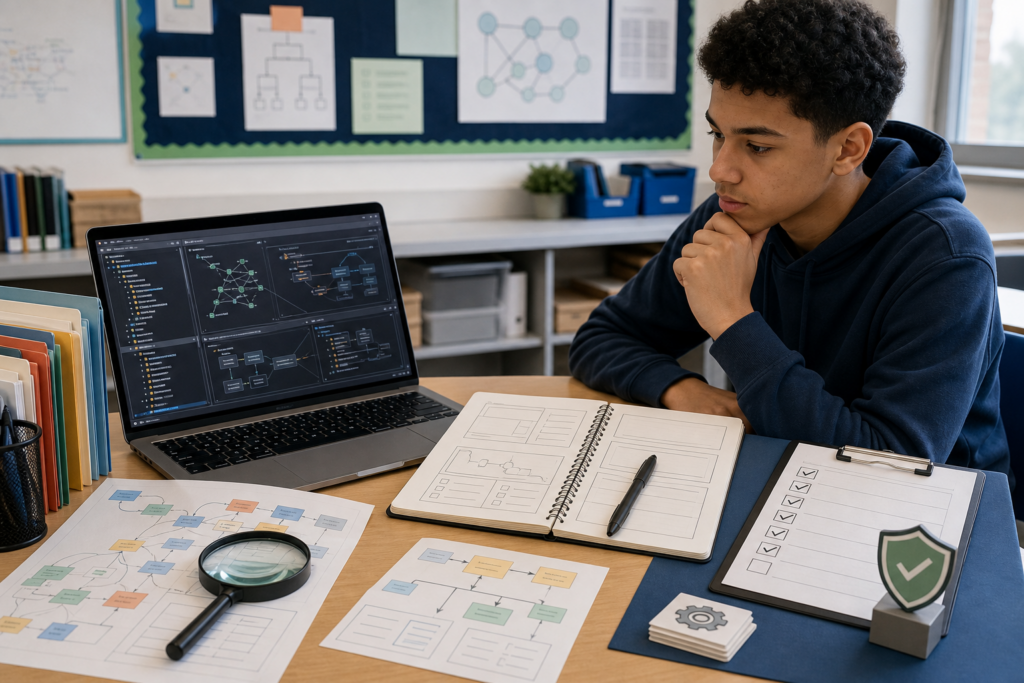
Lesson 11: Inspect, Understand and Plan Before Editing
Develop a disciplined inspect, trace, understand and plan workflow so an AI agent investigates the existing system before it starts changing files.
Explore this lesson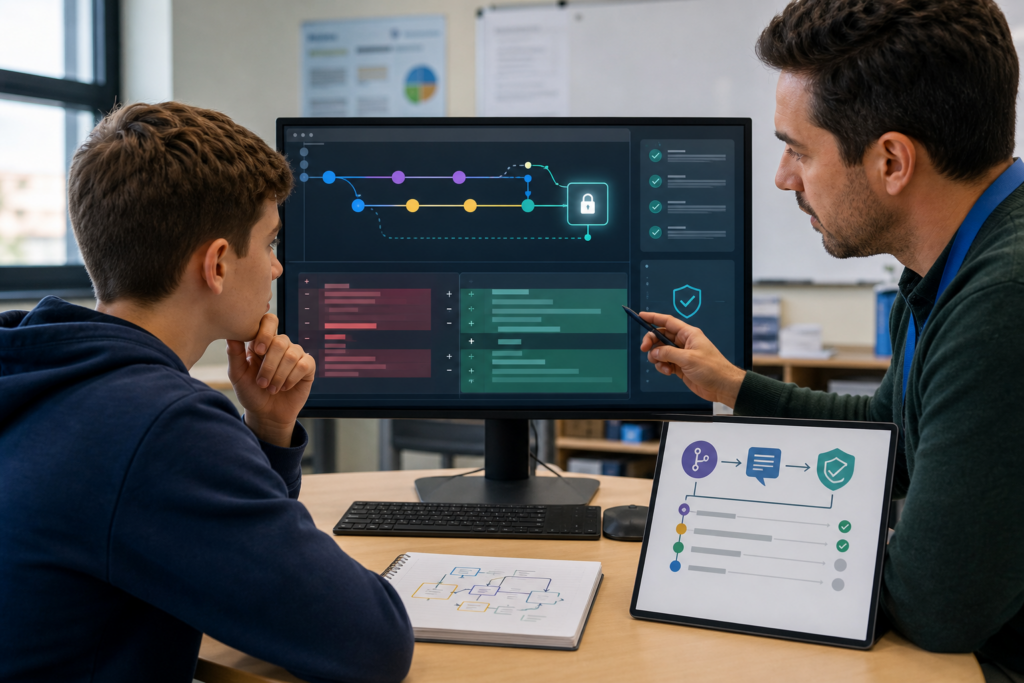
Lesson 14: Git, Diffs and Reviewing What AI Actually Changed
Use Git, branches, commits and diffs to see the complete change an AI made instead of judging success only from what appears to work on screen.
Explore this lesson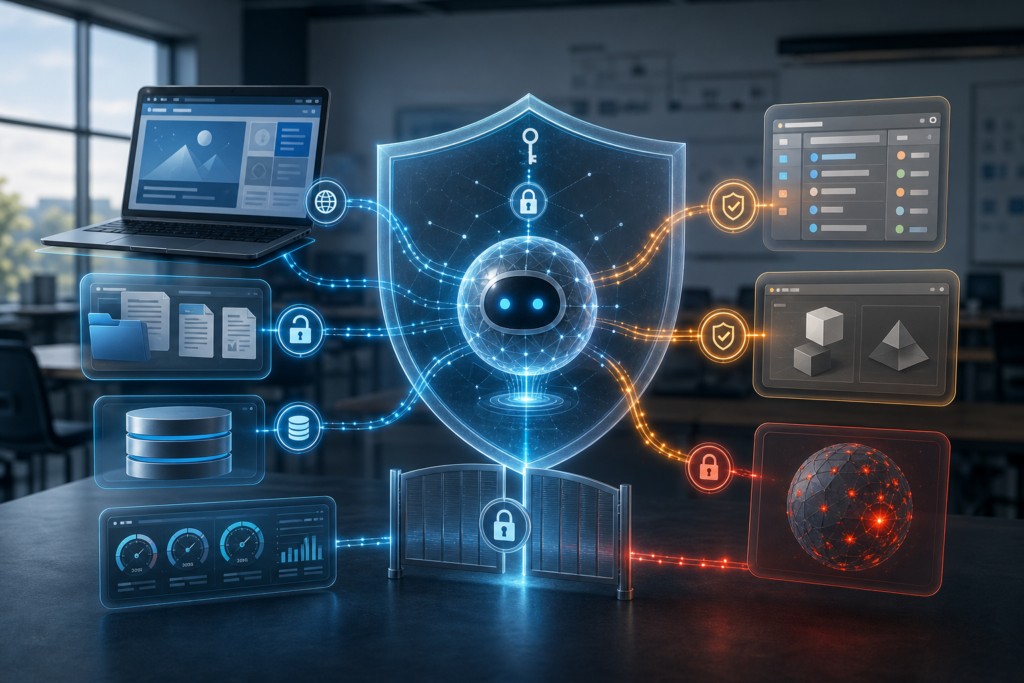
Lesson 16: MCP, Tools and Connecting Agents to Other Systems
Understand how MCP and other tool connections allow coding agents to retrieve information and interact with external systems while maintaining controlled access.
Explore this lesson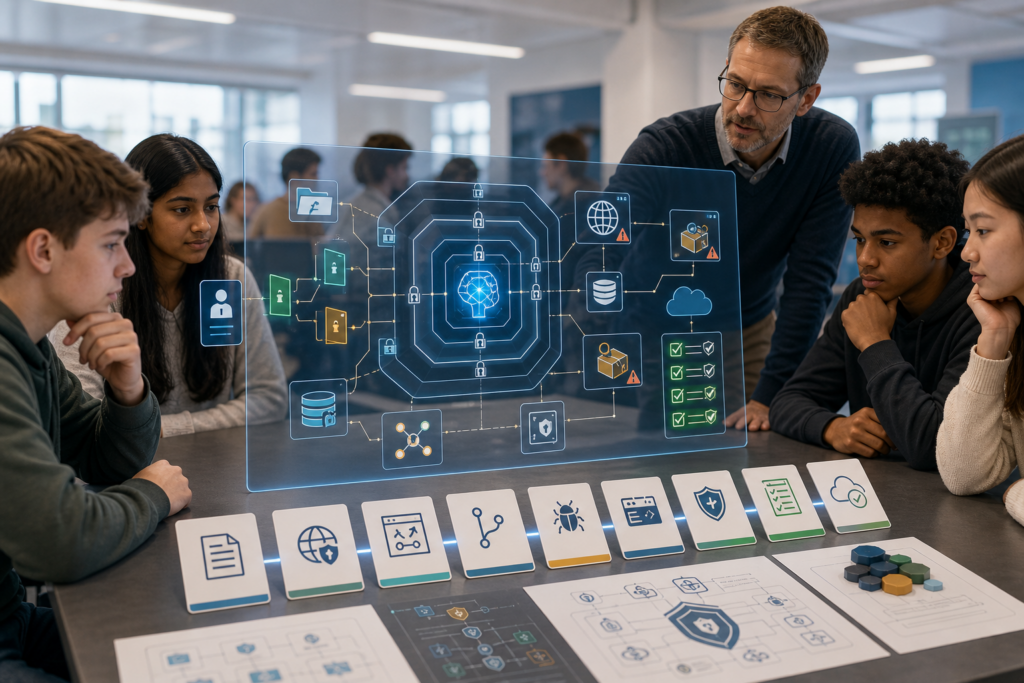
Lesson 18: Secure, Professional Vibe Coding and the Final Project
Bring the course together by considering security, dependencies, secrets, prompt injection, verification and the standards required before AI-generated software can be responsibly accepted.
Explore this lessonWhat Is Vibe Coding?
Vibe coding is an approach to software development in which a developer communicates what they want to an AI system and delegates some or much of the implementation work.
At the simplest level, that may mean describing a function and asking an AI assistant to write it. More capable coding agents can inspect an entire repository, find relevant files, make connected changes, use a terminal and run tests.
Professional vibe coding is not about blindly accepting whatever an AI produces. The developer still has to decide what should be built, provide the information needed to build it correctly and determine whether the result is safe and suitable.
How AI-Assisted Software Development Changes Coding
Traditional software development often involves a developer manually translating requirements into individual lines of code. AI-assisted software development can move some of that implementation work to an AI system.
This changes where human effort is needed. Developers may spend less time typing routine code and more time defining requirements, choosing architecture, managing project context, reviewing changes, debugging failures and verifying behaviour.
The ability to generate code quickly therefore does not remove the need for software engineering knowledge. It increases the importance of understanding what the generated code is supposed to achieve.
Models, Coding Agents and Agent Harnesses
An AI model and an AI coding tool are not the same thing.
A model generates responses. An agent harness surrounds that model with capabilities such as repository access, file editing, terminal commands, search, test execution and connections to external tools.
This explains why two products using capable AI models can behave very differently. One may only answer questions in a chat window while another can investigate a complete project and carry out a sequence of development actions.
Choosing the Right AI Coding Tool
Modern developers can work with AI through general chat systems, editor assistants, terminal agents, repository agents, cloud agents and hosted development environments.
The right choice depends on the task. A quick explanation may only need a conversational assistant. A repository-wide change may benefit from an agent that can inspect files, understand dependencies and run project tools.
The course therefore teaches learners to think about model capability, environment, permissions, context access and workflow rather than assuming the most powerful tool is automatically the best tool for every job.
What Does a Vibe Coder Still Need to Know?
AI can write code without giving the person using it a complete understanding of the system.
A developer still benefits from understanding programming fundamentals, frontend and backend concepts, APIs, data structures, databases, authentication, asynchronous programming, package managers, dependencies, environment variables, Git, terminals and software architecture.
These skills allow someone to recognise when an AI has made a poor architectural decision, misunderstood a requirement or introduced a change that appears functional but creates problems elsewhere.
Turn Ideas Into Clear Development Specifications
An idea such as “make me a revision app” leaves many decisions unanswered.
Who will use it? What information will it store? Which features are required? What must not happen? What does a successful version look like?
A development specification turns an idea into requirements that both a human and an AI can interpret. This includes goals, constraints, acceptance criteria and a definition of done.
Prompt Engineering for Vibe Coding
Prompt engineering helps developers communicate what they want an AI system to do.
A useful AI coding request should make the goal clear, provide enough context, state important constraints and explain what evidence will demonstrate success. When the AI does not know enough to make a safe decision, investigation is usually better than guessing.
This is why prompt engineering becomes part of a wider software development process rather than simply a technique for producing better-looking answers.
Context Engineering for AI Coding
An AI model may understand programming very well while knowing almost nothing about one particular project.
Context engineering gives the AI relevant project knowledge. This can include repository structure, architecture, source files, project rules, framework versions, dependencies, database information and compatibility requirements.
Good context engineering also means leaving irrelevant information out. An agent needs enough knowledge to reason about the task without filling its context window with unrelated files and outdated instructions.
Rules, Skills and Reusable AI Instructions
Some instructions apply repeatedly rather than belonging to one individual task.
A project may have coding standards, protected files, testing requirements, architectural rules and commands that every coding agent needs to understand. These can be stored as persistent project instructions instead of being copied manually into every conversation.
Modern environments may also support reusable skills, specialised agents and memory mechanisms that provide particular instructions only when they are relevant.
Choose the Right Model and Working Mode
Not every development task needs the most powerful model or the highest level of agent autonomy.
A small rename, documentation update or simple explanation may need very little reasoning. Architecture decisions, difficult debugging and repository-wide changes can require much more capability and context.
Learners explore how model capability, reasoning effort, context windows, speed, cost and agent autonomy can influence which working mode is appropriate.
Set Safe Boundaries Before an Agent Starts
A coding agent with repository, terminal and network access can be extremely capable.
That capability also increases the consequences of a mistake. A poorly constrained agent could modify unrelated files, install dependencies, access secrets, alter stored data or communicate with external services.
The course introduces sandboxing, command approval, allowlists, protected files, read-only access, secrets management and least privilege as ways to give an agent enough capability to complete a task without unnecessary access.
Inspect and Understand Before Editing
A file with an obvious name is not necessarily where the real behaviour lives.
Before editing an unfamiliar system, a coding agent should identify relevant files, trace execution paths, understand dependencies and determine how the existing feature works.
This creates a disciplined development sequence of inspect, trace, understand, plan, implement and verify rather than jumping directly from a short request to code changes.
Build With an Agent Without Losing Control
Large tasks become difficult to review when an agent changes an entire application in one uncontrolled operation.
The course explores incremental development, checkpoints and vertical slices as ways to divide larger projects into stages that can be understood and verified.
This allows the agent to do substantial work while keeping the developer in control of architecture, requirements and acceptance decisions.
Debug With AI and Find the Root Cause
An AI coding agent can produce convincing explanations for a bug even when it does not yet have enough evidence to know what caused it.
Good debugging starts with observations such as errors, logs, stack traces and execution paths. Those observations can support hypotheses that are then tested against the real system.
This avoids the common failure pattern of repeatedly asking an AI to try another fix until something appears to work.
Use Git to Review AI-Generated Changes
A feature looking correct in the browser does not prove that the underlying change is safe.
Git allows developers to inspect exactly which files changed, which lines were added or removed and whether unrelated parts of the project were modified.
Branches, commits, diffs and known-good versions also make it possible to experiment with AI-generated changes without losing the ability to understand or reverse them.
Make AI Prove Its Work
An AI agent declaring a task complete is not evidence that the task is complete.
Build checks, unit tests, integration tests, browser testing, end-to-end tests, static analysis, linting and type checking can provide evidence about different parts of the implementation.
The required evidence should be connected to the original acceptance criteria so the developer can determine whether the software actually does what was requested.
MCP and Connected AI Agents
Coding agents can become more useful when they are able to retrieve information and interact with other systems.
Model Context Protocol, usually shortened to MCP, provides one way for AI applications to connect to tools and data through defined interfaces. This can allow an agent to access documentation, issue trackers, repositories, databases or other approved resources.
Connection does not automatically mean trust. Authentication, authorisation, permissions and least privilege remain important whenever an agent gains access to external systems.
Subagents and Parallel AI Development
A complex development task does not always need to be handled by one agent working sequentially.
Specialised subagents can be given different responsibilities, and independent tasks may sometimes be handled in parallel. One agent might investigate a problem while another reviews tests or examines security risks.
Successful multi-agent development requires clear ownership, boundaries and coordination. Giving several agents permission to change the same area without defined responsibilities can create conflicts rather than saving time.
Secure and Professional Vibe Coding
Software that appears to work can still be unsafe.
AI-generated code may mishandle authentication, expose private information, place secrets in source code, install unnecessary dependencies or follow malicious instructions found in untrusted content.
Secure AI-assisted software development therefore involves security throughout the workflow, including requirements, permissions, dependency review, input validation, secrets management, testing and deployment decisions.
What Skills Does Vibe Coding Build?
A professional vibe coding course develops much more than the ability to ask an AI to generate code.
- Problem definition helps you turn an idea into a clear development goal.
- Requirements thinking helps you define what software must actually do.
- Prompt engineering helps you communicate tasks and constraints clearly to AI systems.
- Context engineering helps you provide relevant project knowledge without overwhelming the model.
- Tool selection helps you choose an appropriate model, agent and development environment for the task.
- Software investigation helps you understand existing code before changing it.
- Debugging teaches you to reason from evidence rather than accept plausible guesses.
- Version control helps you inspect, understand and reverse AI-generated changes.
- Testing and verification helps you prove that software meets its requirements.
- Security awareness helps you control permissions, secrets, dependencies and untrusted information.
- Agent orchestration helps you divide work safely between specialised or parallel AI agents.
- Developer judgement remains essential for deciding whether generated software should be accepted.
These skills are increasingly relevant to software engineering because AI changes how code is produced without removing the need to understand the systems being built.
Do You Need Previous Coding Experience?
The course explains AI-assisted development concepts from the foundations, but some existing programming knowledge will make the later lessons easier to understand.
Learners do not need to be expert developers. However, understanding basic programming ideas makes it easier to follow discussions about repositories, dependencies, APIs, debugging, testing, Git and software architecture.
If you are completely new to programming, you may want to study Python Programming Level 1 alongside or before the more technical parts of this course.
Vibe Coding for Teenagers
AI coding tools are likely to form an increasingly important part of the development environments young programmers use.
This vibe coding course for teenagers is designed to teach those tools as part of software engineering rather than as a shortcut around learning how software works.
Learners develop an understanding of what can be delegated to AI, what information an agent needs, where AI-generated code can fail and why the developer remains responsible for the finished system.
Vibe Coding for Home Education and Independent Learning
Vibe coding and AI-assisted software development can be useful areas of study for home-educated teenagers and independent learners interested in programming, artificial intelligence and future technology careers.
The course combines modern AI concepts with software engineering, security, requirements, version control, debugging and testing. This gives learners a broader understanding of development than simply learning how to operate one particular AI tool.
Parents and learners can also explore the wider Programming and Coding collection for related courses and lessons.
Who Is This Vibe Coding Course For?
This vibe coding course is designed for teenagers and independent learners who want to understand how modern developers use artificial intelligence as part of real software development workflows.
It is particularly suitable for learners interested in programming, software engineering, AI coding tools, coding agents, autonomous development, prompt engineering, context engineering and future technology careers.
It is also useful for learners who already use AI to generate code but want to move beyond trial and error towards a more controlled, secure and professional development process.
Build a Professional AI-Assisted Development Workflow
By the end of the course, the individual skills fit together into one wider process.
A developer starts by understanding the problem and defining what success means. They select an appropriate model and agent, provide relevant context, set boundaries, inspect the existing system and plan the work before implementation begins.
The resulting changes are then reviewed through Git, tested against requirements, checked for security problems and either corrected or accepted based on evidence rather than the AI's own confidence.
Start Learning Vibe Coding
The best place to begin is with the question at the centre of modern AI-assisted software development. If an AI can write and change much of the code, what is the developer responsible for?
Start Vibe Coding and AI-Assisted Software Development with Lesson 1, or browse all 18 lessons below.
All Vibe Coding and AI-Assisted Software Development Lessons
Work through all 18 lessons in order, from the foundations of vibe coding and modern AI development tools to coding agents, context engineering, Git, testing, MCP, subagents and secure professional development.
- Lesson 1: Vibe Coding and the New Way Developers Build Software
- Lesson 2: Frontier Models, Coding Agents and Agent Harnesses
- Lesson 3: The Modern Vibe Coding Toolkit and Choosing the Right AI Tool
- Lesson 4: What a Vibe Coder Still Needs to Know
- Lesson 5: Turning an Idea Into a Clear AI Development Specification
- Lesson 6: Prompt Engineering for Effective Vibe Coding
- Lesson 7: Context Engineering and Teaching AI About Your Project
- Lesson 8: Rules, Skills, Memory and Reusable AI Instructions
- Lesson 9: Choosing the Right AI Model, Agent and Working Mode
- Lesson 10: Setting Safe Boundaries Before an AI Agent Starts Work
- Lesson 11: Inspect, Understand and Plan Before Editing
- Lesson 12: Building With an Agent Without Losing Control
- Lesson 13: Debugging With AI and Finding the Root Cause
- Lesson 14: Git, Diffs and Reviewing What AI Actually Changed
- Lesson 15: Testing, Verification and Making AI Prove Its Work
- Lesson 16: MCP, Tools and Connecting Agents to Other Systems
- Lesson 17: Subagents, Parallel Agents and Autonomous Development
- Lesson 18: Secure, Professional Vibe Coding and the Final Project