
Introduction to JavaScript: A Complete Beginner Course
Learn JavaScript from the foundations with a structured 12-lesson course created for older teenagers and independent learners. Discover how JavaScript runs, stores information, makes decisions, repeats tasks and brings web pages to life.
The course develops from variables, data types and functions to arrays, objects, the DOM, events, debugging and asynchronous code. No previous JavaScript experience is required, and every lesson builds carefully on the ideas introduced before it.
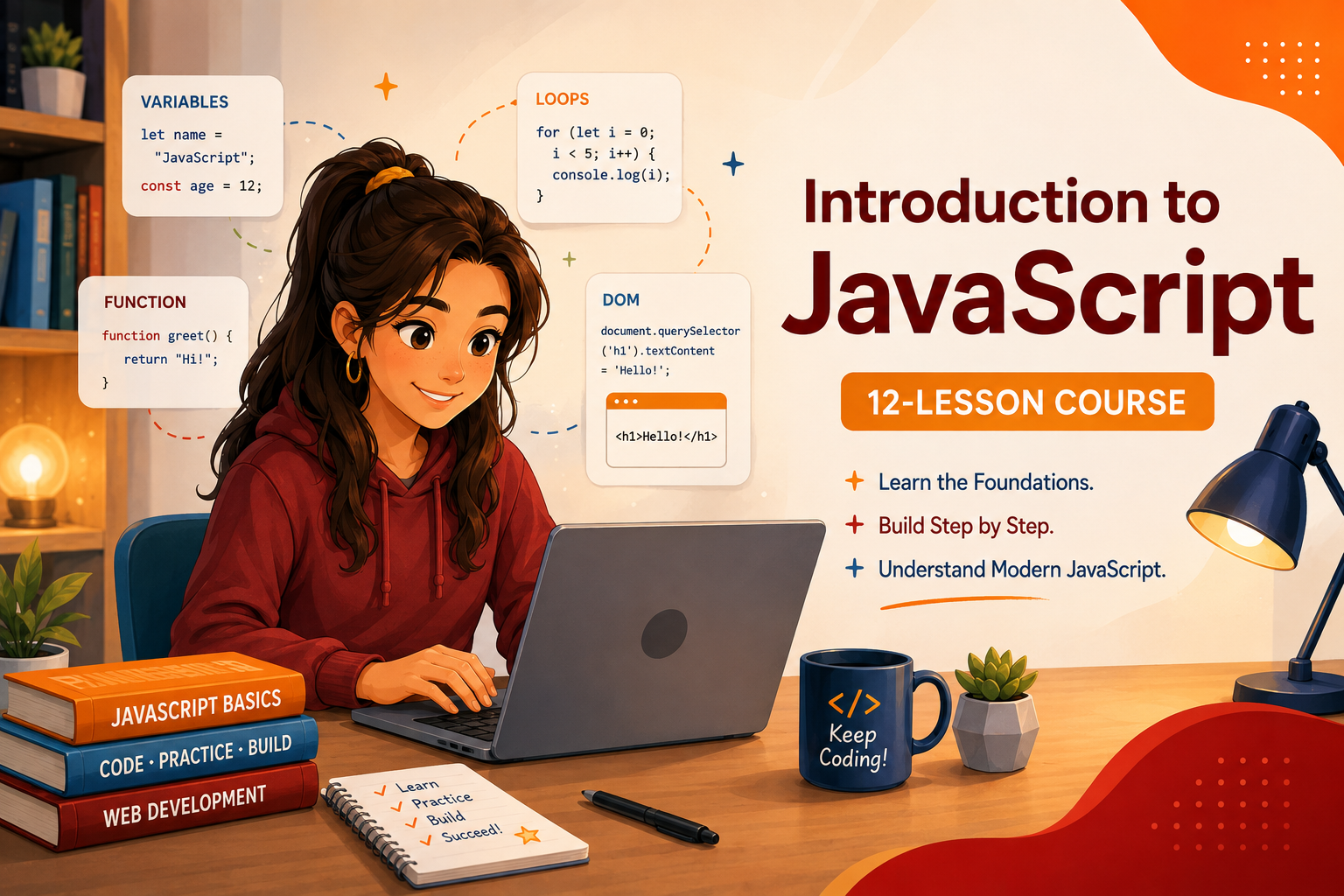
Learn JavaScript From the Beginning
JavaScript powers much of the interactive behaviour people experience on modern websites. It can respond to clicks, update page content, validate forms, organise information and communicate with online services.
Introduction to JavaScript begins with the language itself. You will learn how JavaScript runs instructions, stores values, evaluates expressions, makes decisions and repeats operations. The course then develops those foundations through functions, arrays, objects, browser events and asynchronous programs.
You do not need previous JavaScript experience. The 12 lessons form one progressive course, so each lesson prepares you for the concepts that follow.
Follow the JavaScript Course
The course contains 12 lessons. Begin with Lesson 1 and work through them in order, or use these stages to understand how the different parts of JavaScript fit together.
How JavaScript Works
Lesson 1 introduces JavaScript, the environments in which it runs and how a JavaScript engine processes instructions.
Values, Expressions and Decisions
Lessons 2 to 4 cover variables, data types, operators, type conversion and the conditional structures that choose which code runs.
Loops and Functions
Lessons 5 and 6 explain how programs repeat instructions and organise reusable behaviour with functions, parameters and returned values.
Arrays, Objects and Modern Methods
Lessons 7 to 9 explore collections, structured data, arrow functions, callbacks and methods for transforming or searching arrays.
JavaScript in Web Pages
Lessons 10 and 11 connect JavaScript to the DOM, browser events, user interaction, forms and systematic debugging.
Asynchronous JavaScript
Lesson 12 explains Promises, async and await, fetch(), JSON, error handling and the structure of a complete program.
Browse All 12 JavaScript Lessons
Jump to the complete course list below and choose any lesson from Introduction to JavaScript.
Explore Programming and Coding
Discover more Lenara Learning programming courses and lessons as the collection continues to grow.
Featured JavaScript Lessons
These lessons show how the course progresses from understanding the language to working with web pages and asynchronous data.

Lesson 1: What JavaScript Is and How It Runs
Begin by understanding what JavaScript does, where it can run and how a runtime turns written instructions into program behaviour.
Explore this lesson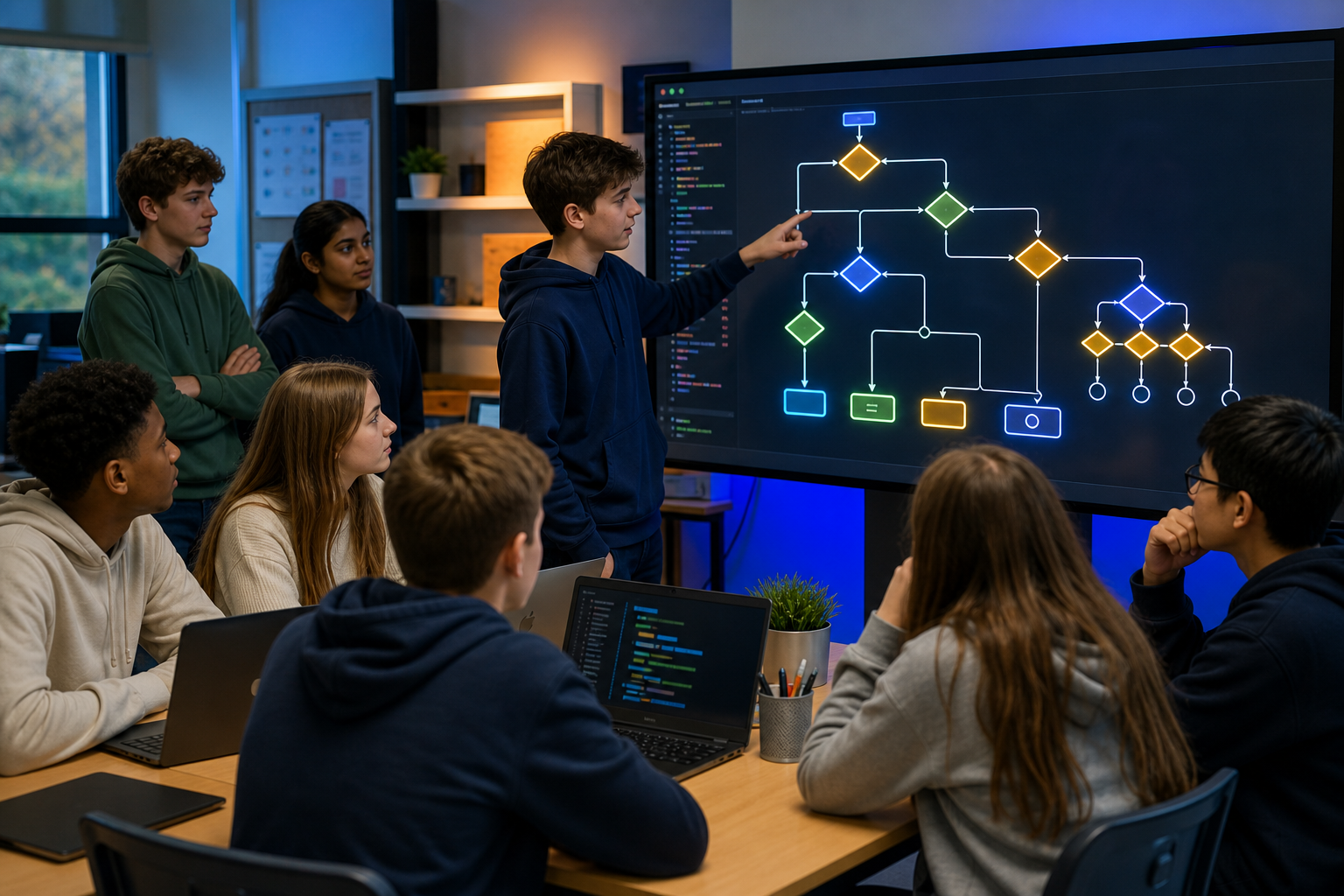
Lesson 4: Making Decisions with if, else and switch in JavaScript
See how conditions allow a program to select different instructions according to its values and the result it needs.
Explore this lesson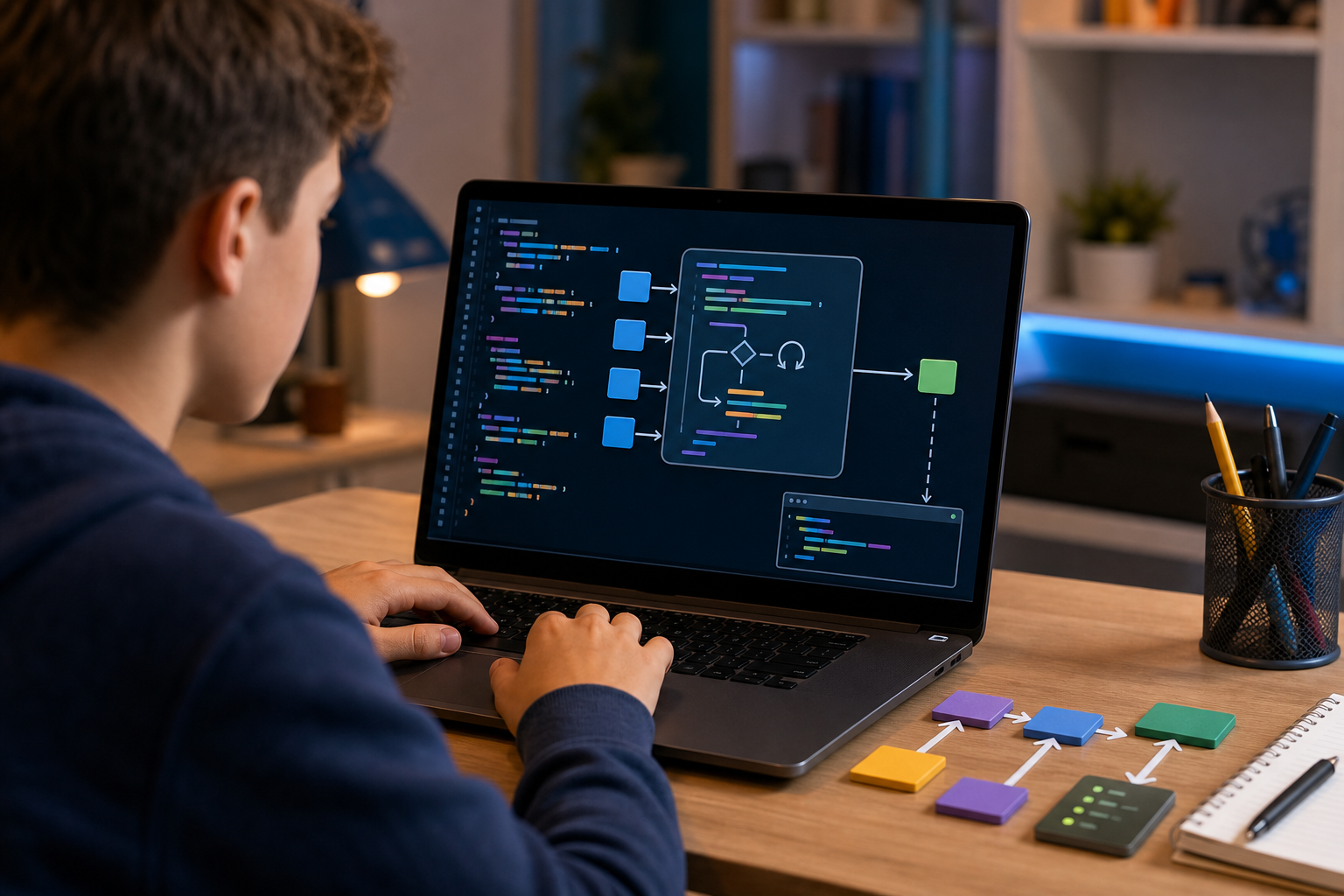
Lesson 6: Functions, Parameters and Return Values in JavaScript
Learn how functions organise reusable instructions, receive information and return results to other parts of a program.
Explore this lesson
Lesson 8: Objects and Structured Data in JavaScript
Discover how objects connect meaningful property names with values and model information that belongs together.
Explore this lesson
Lesson 10: JavaScript and the Web Page DOM
Connect JavaScript to web pages by learning how the DOM represents content and how scripts select or change elements.
Explore this lesson
Lesson 12: Asynchronous JavaScript and Building a Complete Program
Bring the course together through asynchronous flow, web requests, JSON, error handling and an organised complete program.
Explore this lessonWhat Is JavaScript?
JavaScript is a programming language used to describe instructions and behaviour. It is most closely associated with web browsers, where it works alongside HTML and CSS to make pages interactive.
HTML describes the content and structure of a page. CSS controls its presentation. JavaScript can respond when a user clicks a button, enters text or submits a form, and it can change the page without requiring an entirely new document to load.
JavaScript is not limited to browsers. Runtimes such as Node.js also allow it to run outside a web page. This means the same language can be used in many different parts of modern software development.
How Does JavaScript Run?
JavaScript source code is text written according to the language's syntax. A JavaScript engine reads and executes those instructions inside a runtime environment.
The runtime matters because it supplies features around the language. A browser provides the DOM and browser APIs, while a server-side runtime supplies a different set of capabilities. JavaScript itself and the environment that hosts it are connected, but they are not exactly the same thing.
Lesson 1 establishes this distinction before the course begins using the language's core building blocks.
Variables, Values and Data Types
Programs need to work with information. In JavaScript, values can represent text, numbers, true-or-false states and several other kinds of data.
Variables give programs named places through which those values can be accessed. The course introduces let and const, then explains important JavaScript values and types including strings, numbers, booleans, undefined and null.
Understanding the value being handled is essential because its type affects what an operation means. Adding numbers is different from joining strings, even when their written forms look similar.
Expressions, Comparisons and Type Conversion
An expression is code that produces a value. Expressions can perform arithmetic, compare two values or combine logical conditions.
JavaScript can sometimes convert values automatically. This behaviour is called coercion, and it can produce results that surprise beginners. The course distinguishes implicit coercion from deliberate conversion with tools such as Number(), String() and Boolean().
It also explains why strict equality with === and strict inequality with !== usually make a program's intention clearer than comparisons that permit automatic type conversion.
Making Decisions With JavaScript
A useful program often needs to choose between different paths. It may display one message when a condition is true and another when it is false.
JavaScript uses if, else if and else to control these decisions. The course also introduces the conditional operator and switch, explaining how the required outcome affects which structure is most suitable.
This is where values and expressions become control flow. The result of a condition determines which instructions the program executes next.
Repeating Instructions With Loops
Repeating the same lines manually makes code longer and harder to maintain. Loops allow a program to repeat a block of instructions according to a clear rule.
The course introduces while, do...while and for loops. It explains counters, accumulators, nested loops, break, continue and the conditions that can accidentally create an infinite loop.
Tracing a loop carefully helps learners understand how its state changes from one repetition to the next.
Functions and Reusable Behaviour
As a program grows, its instructions become easier to understand when related behaviour is divided into named functions.
Functions can receive values through parameters and send a result back with return. The course distinguishes parameters from arguments, returned values from side effects, and local scope from values available elsewhere in a program.
This introduces an important software-development habit. A complicated process becomes more manageable when it is divided into smaller parts with clear responsibilities.
Organising Data With Arrays and Objects
Individual variables work well for individual values. Programs often need to manage collections or model several related facts about the same thing.
Arrays store ordered collections whose items are accessed by position. Objects connect property names with values, allowing data to be organised by meaning. These structures can also be combined as nested objects, arrays inside objects or arrays of objects.
Learning how arrays and objects differ helps programmers choose a structure that reflects the information their program needs to represent.
Modern Functions and Array Methods
Modern JavaScript frequently passes functions to other functions. A function supplied in this way is called a callback.
The course introduces arrow function syntax and common array methods including forEach(), map(), filter(), find(), some() and every(). Each method expresses a different intended outcome.
Choosing between them is not simply a matter of syntax. The programmer must decide whether the program needs to visit every item, transform a collection, select matching items, find one value or test a condition.
JavaScript and the Web Page DOM
The Document Object Model, usually called the DOM, represents a web page as objects that JavaScript can access.
JavaScript can select elements with methods such as querySelector() and querySelectorAll(). It can then update text, change classes or attributes, and create new elements.
This connects the language concepts from earlier lessons to visible browser behaviour. Variables, functions, conditions and collections can now influence what a user sees on a page.
Events, Interaction and Debugging
Browser events report that something has happened. A user may click, type, change a value or submit a form. JavaScript can listen for an event and run a function in response.
The course explains event listeners, event objects, form behaviour, preventDefault() and basic validation. It then develops a systematic approach to debugging with developer tools, console output, error messages and stack traces.
Debugging is not random alteration. It is the process of gathering evidence, locating the point where actual behaviour differs from expected behaviour and testing a reasoned explanation.
Asynchronous JavaScript and Web Data
Some operations cannot provide their result immediately. A program may need to wait for a network request, a file or another external process while remaining able to handle other work.
Asynchronous JavaScript provides ways to represent and manage these delayed results. The final lesson introduces Promises, async functions, await, fetch(), JSON and try...catch.
It also follows the complete request sequence from receiving a Response, checking whether it succeeded and waiting for its body to be converted from JSON. These ideas bring earlier parts of the course together inside one organised program.
What Skills Does Learning JavaScript Build?
JavaScript teaches a programming language, but the reasoning involved develops wider skills too.
- Logical thinking helps you describe the exact conditions and sequence a program must follow.
- Problem solving helps you divide a complex outcome into smaller manageable parts.
- Data thinking helps you decide how values, arrays and objects should represent information.
- Pattern recognition helps you identify repeated behaviour and opportunities to use loops or functions.
- Debugging teaches you to investigate unexpected results with evidence instead of guesswork.
- Precision matters because small differences in syntax, type or control flow can change a program's behaviour.
- Systems thinking helps you understand how code, a runtime, a web page, user events and remote data work together.
These skills support later study in web development, software engineering, application development and many other areas of computing.
Do You Need Previous Coding Experience?
No. Introduction to JavaScript starts with the foundations and does not assume previous knowledge of JavaScript.
If you are new to programming, begin with Lesson 1 and follow the lessons in numerical order. Concepts are introduced progressively so that later lessons can use knowledge already established.
If you already understand some programming, the complete lesson list below can help you revisit particular subjects such as functions, arrays, objects, the DOM or asynchronous code.
JavaScript for Home Education and Independent Learning
JavaScript is well suited to home education and independent study because its concepts can be taught in a clear progression from individual values to complete program behaviour.
Lenara Learning's Introduction to JavaScript course gives older teenagers a structured route through the language without assuming classroom teaching or previous specialist knowledge.
Parents and learners can also explore the wider Programming and Coding collection as more courses and lessons are added.
Who Is This JavaScript Course For?
Introduction to JavaScript is designed for learners aged 16 to 18 who want a detailed beginner course in modern JavaScript. It is suitable for home-educated teenagers, independent students and learners preparing for further study in programming or web development.
The course develops beyond isolated syntax. It explains how language features work together, how JavaScript interacts with a web page and how a complete program manages events, data and asynchronous operations.
Start Learning JavaScript
The best place to begin is with the language and the environment that runs it. Once that foundation is clear, each lesson adds another part of the JavaScript programming model.
Start Introduction to JavaScript with Lesson 1, or browse all 12 JavaScript lessons below.
All Introduction to JavaScript Lessons
Work through the course in order from JavaScript fundamentals to functions, structured data, browser interaction and a complete asynchronous program.
- Lesson 1: What JavaScript Is and How It Runs
- Lesson 2: Variables, Values and Data Types in JavaScript
- Lesson 3: Operators, Expressions and Type Conversion in JavaScript
- Lesson 4: Making Decisions with if, else and switch in JavaScript
- Lesson 5: Repeating Code with Loops in JavaScript
- Lesson 6: Functions, Parameters and Return Values in JavaScript
- Lesson 7: Arrays and Working with Collections in JavaScript
- Lesson 8: Objects and Structured Data in JavaScript
- Lesson 9: Modern JavaScript Functions and Array Methods
- Lesson 10: JavaScript and the Web Page DOM
- Lesson 11: Events, User Interaction and Debugging in JavaScript
- Lesson 12: Asynchronous JavaScript and Building a Complete Program