
Python Programming for Beginners: Level 1 Course
Learn Python programming from the beginning with a structured 30-lesson course designed for beginners. Python Programming Level 1 starts with the basics, including setting up Python, writing your first program and understanding variables, numbers and text, then gradually develops into decisions, loops, lists, functions, debugging, files and complete beginner projects.
The course is designed for teenagers, home-educated learners and independent students who want to understand how programming works rather than simply copy code. Each lesson builds on earlier knowledge, so learners can develop confidence step by step and see how individual Python concepts connect to form larger, more useful programs.
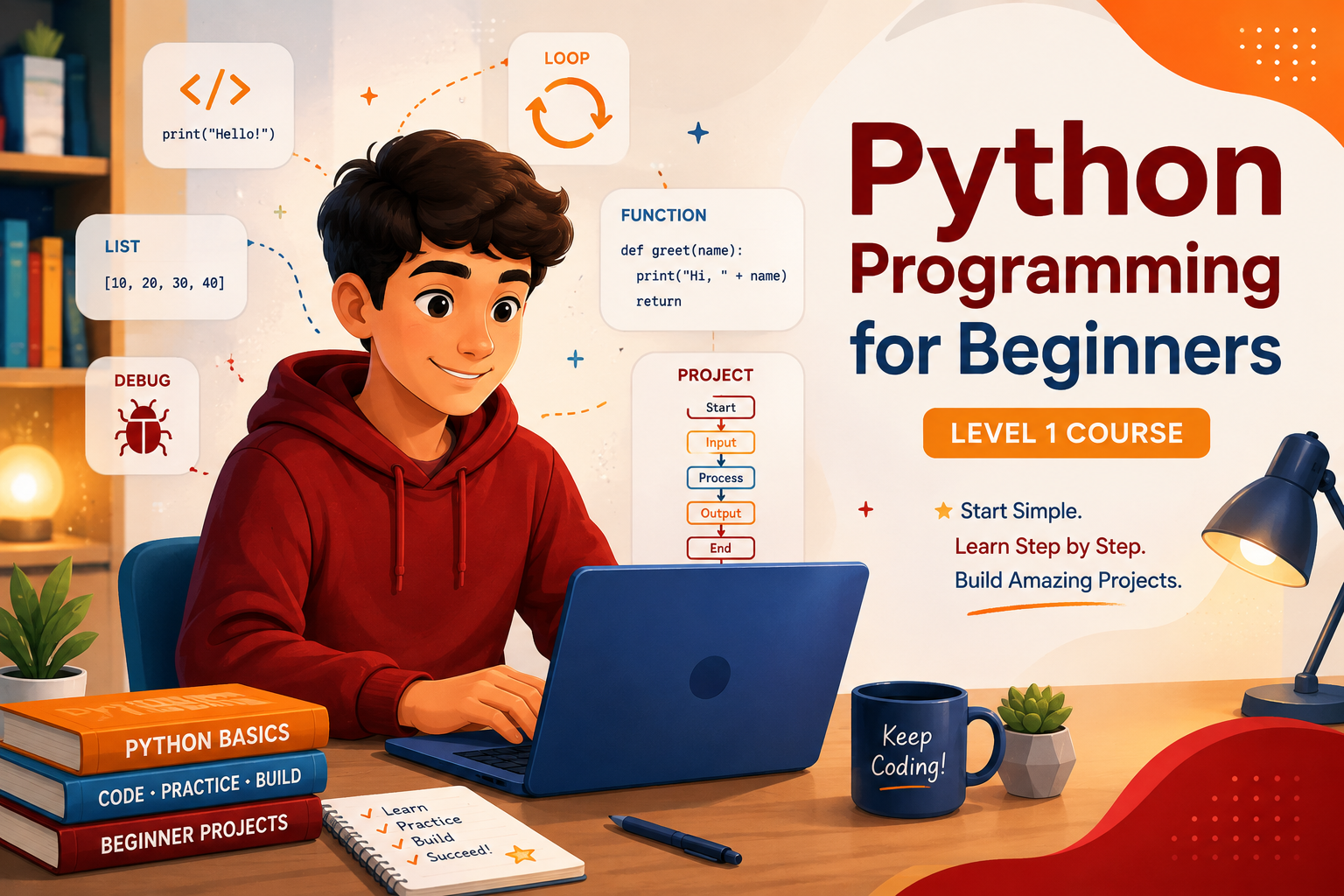
No previous programming experience is required. You can work through all 30 lessons in order for a complete introduction to Python, or use the lesson list to revisit individual topics such as conditions, loops, data structures, functions and debugging.
Learn Python From the Beginning
Programming can look complicated when you first see a screen full of code, but every Python program is built from smaller ideas that can be learned one at a time.
Python Programming Level 1 starts at the beginning. You will learn how Python runs instructions, how programs store information, how they make decisions and how they repeat tasks. As the course develops, those individual ideas begin working together to create increasingly useful programs.
You do not need previous programming experience. The lessons are arranged as a progressive course, so each stage builds on ideas introduced earlier.
Follow the Python Course
The course contains 30 lessons. You can start at Lesson 1 and work through them in order, or use these stages to see how the different parts of Python programming fit together.
Getting Started With Python
Lessons 1 to 5 introduce your Python environment, your first program, variables, numbers and text.
Input, Data and Decisions
Lessons 6 to 12 develop interactive programs using user input, type conversion, comparisons, conditions and Boolean logic.
Loops and Repetition
Learn how Python repeats instructions with while loops, for loops and ranges before applying loops to stored information.
Lists, Tuples and Dictionaries
Explore ways to organise collections of information and choose structures that suit different kinds of data.
Functions and Reusable Code
Break programs into manageable parts using functions, parameters, arguments and returned values.
Debugging, Files and Modules
Learn how programmers understand errors, handle problems, save information and use Python's built-in modules and libraries.
Building Python Projects
Bring earlier skills together in larger programs, including games and a complete final Python project.
Browse All 30 Python Lessons
Jump to the complete course list below and choose any lesson from Python Programming Level 1.
Featured Python Lessons
These lessons show how the course progresses from the very first setup steps to writing complete programs.
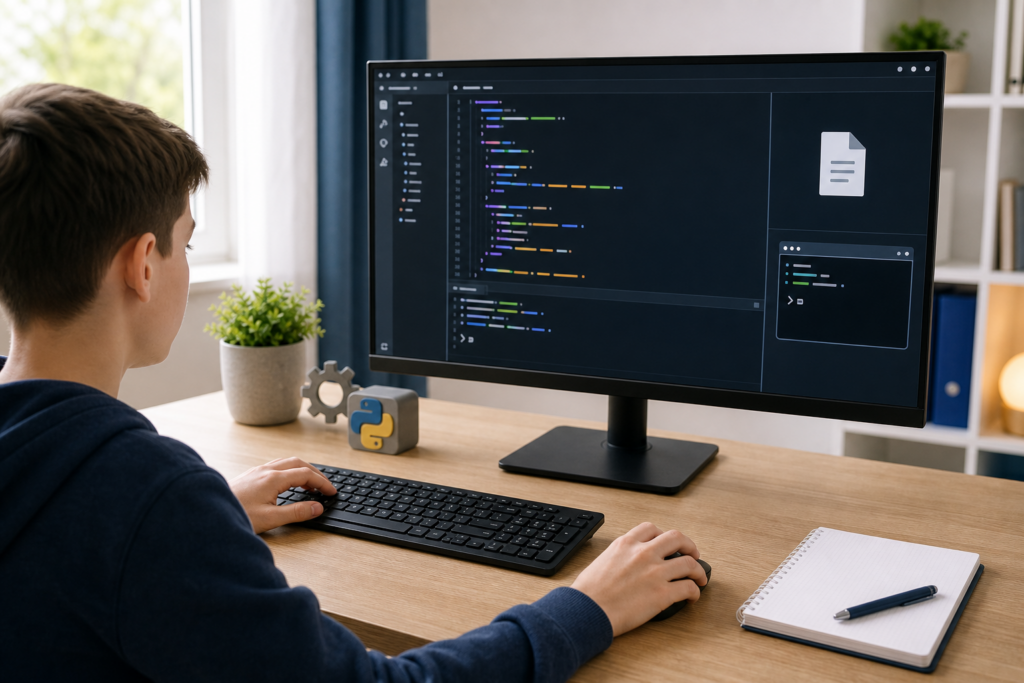
Lesson 1: Setting Up Your Python Environment On Windows
Start from the beginning by understanding what Python is, what the interpreter does and what you need before you can run Python programs.
Explore this lesson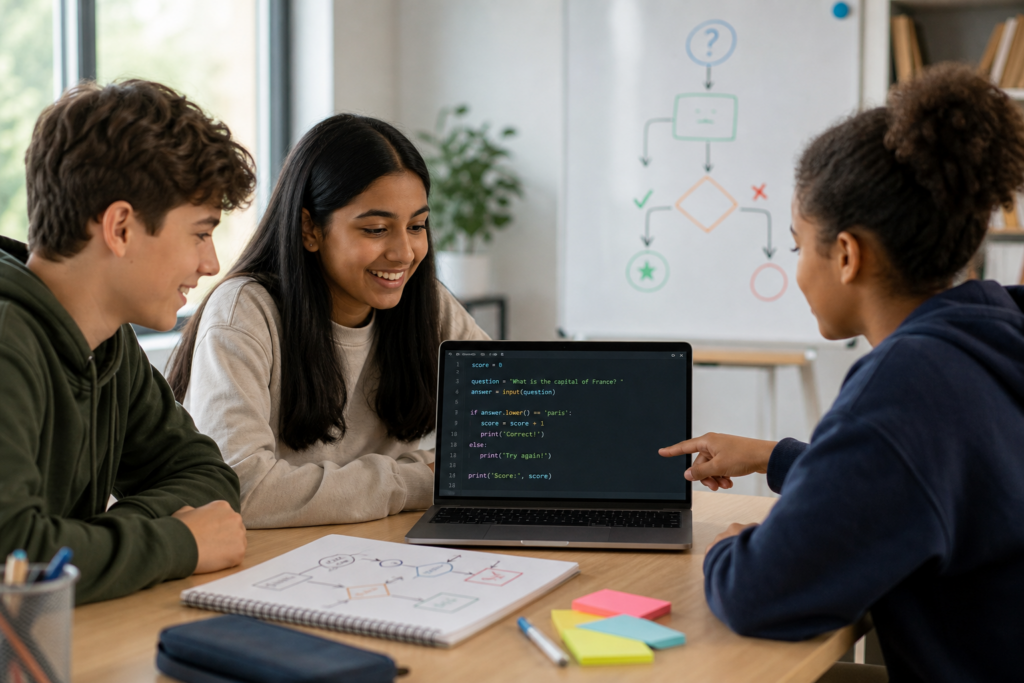
Lesson 12: Building Your First Python Quiz
Combine input, variables, comparisons and conditions to understand how several basic programming ideas can form one complete program.
Explore this lesson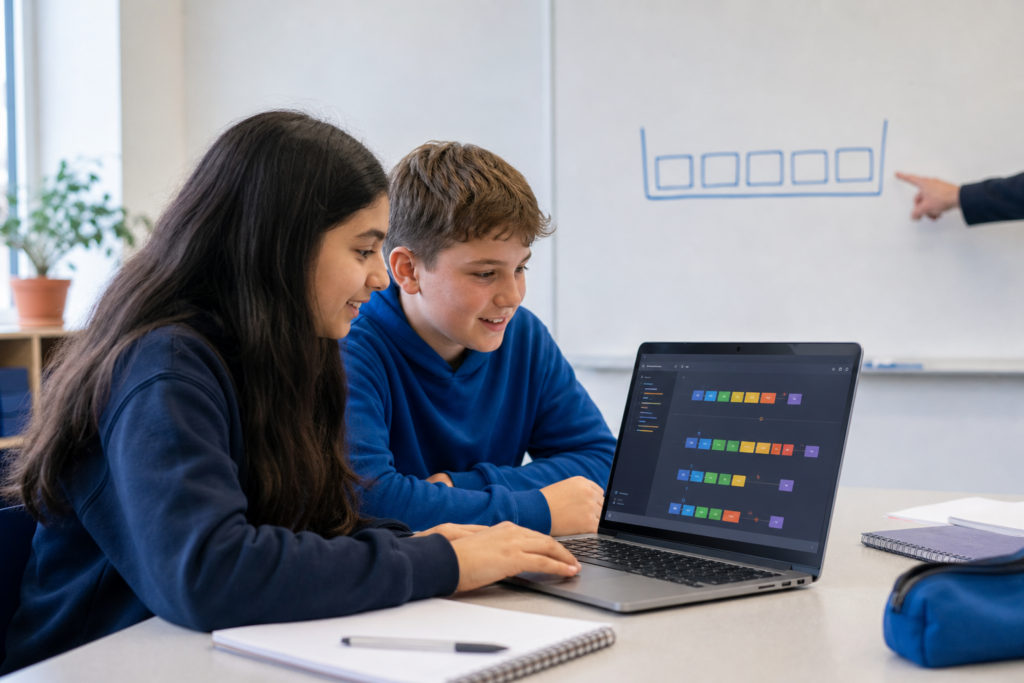
Lesson 16: Lists: Storing Groups of Information
Move beyond individual variables and discover how one Python list can organise several related values in a useful order.
Explore this lesson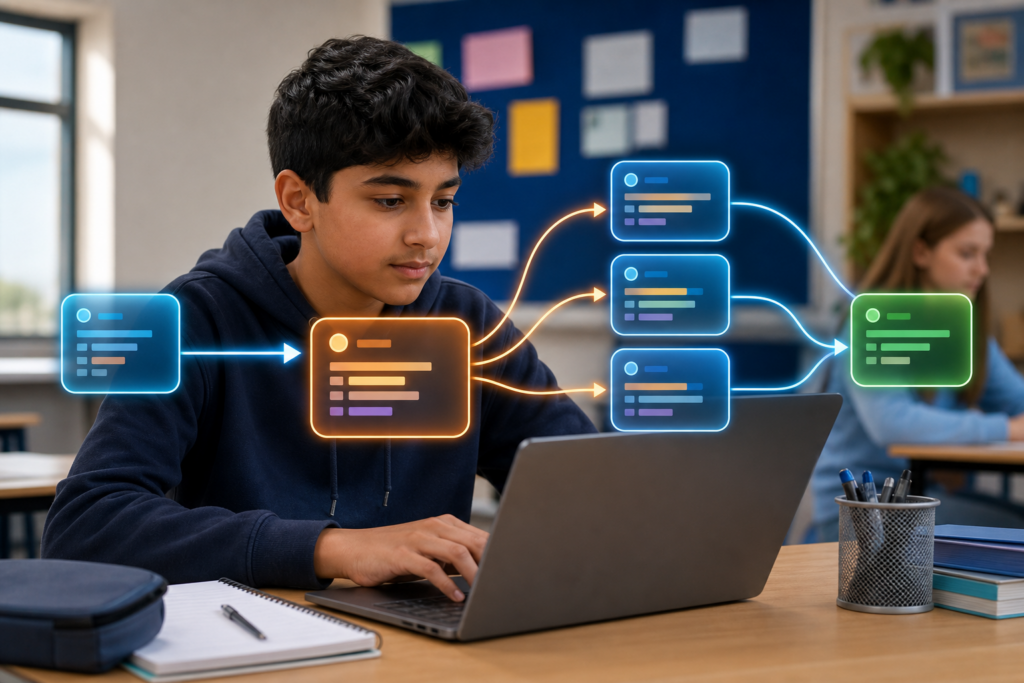
Lesson 21: Creating and Using Functions in Python
Learn how reusable functions help programmers organise instructions into smaller, clearer and more manageable parts.
Explore this lesson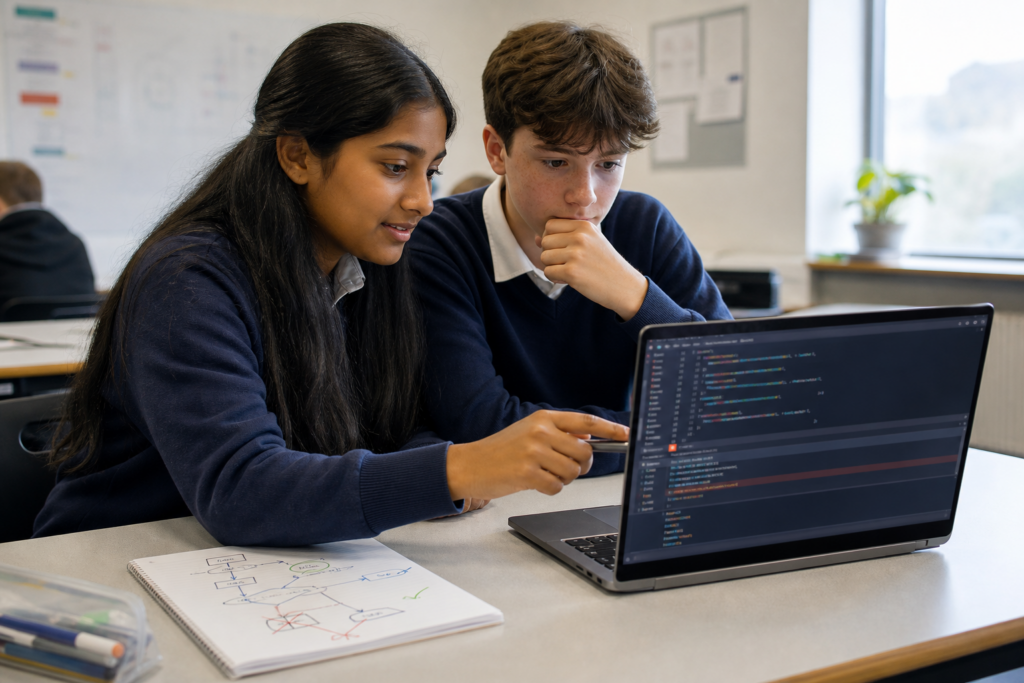
Lesson 24: Understanding Python Errors and Debugging Code
Discover why errors are a normal part of programming and how programmers use messages, evidence and careful reasoning to find problems.
Explore this lesson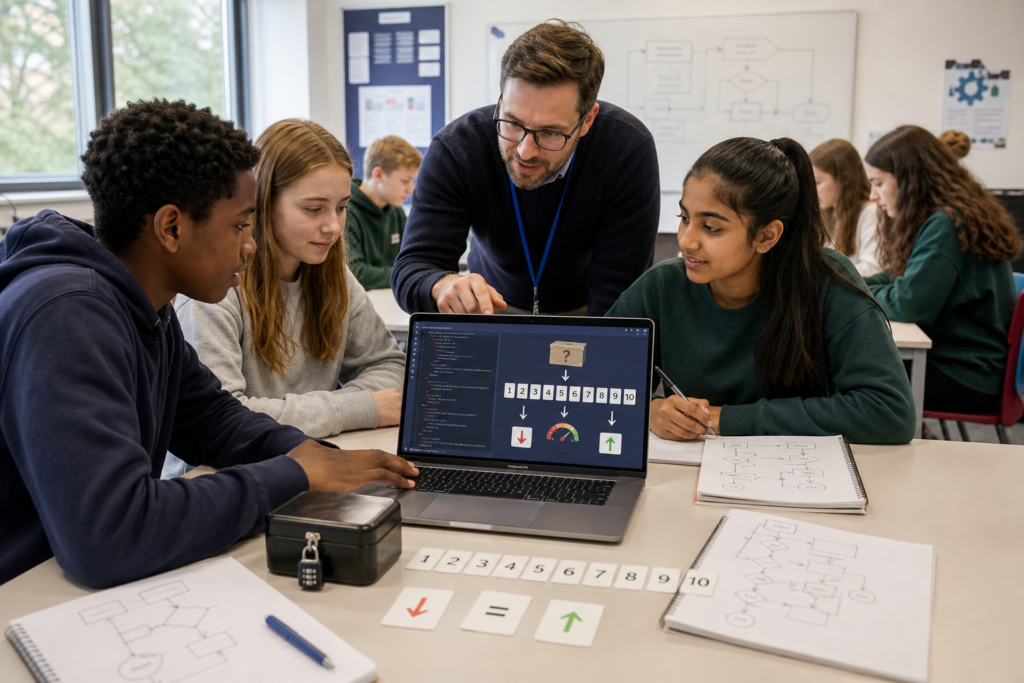
Lesson 28: Building a Number Guessing Game in Python
Combine loops, conditions, input validation, functions and random numbers to see how individual Python skills cooperate inside a game.
Explore this lesson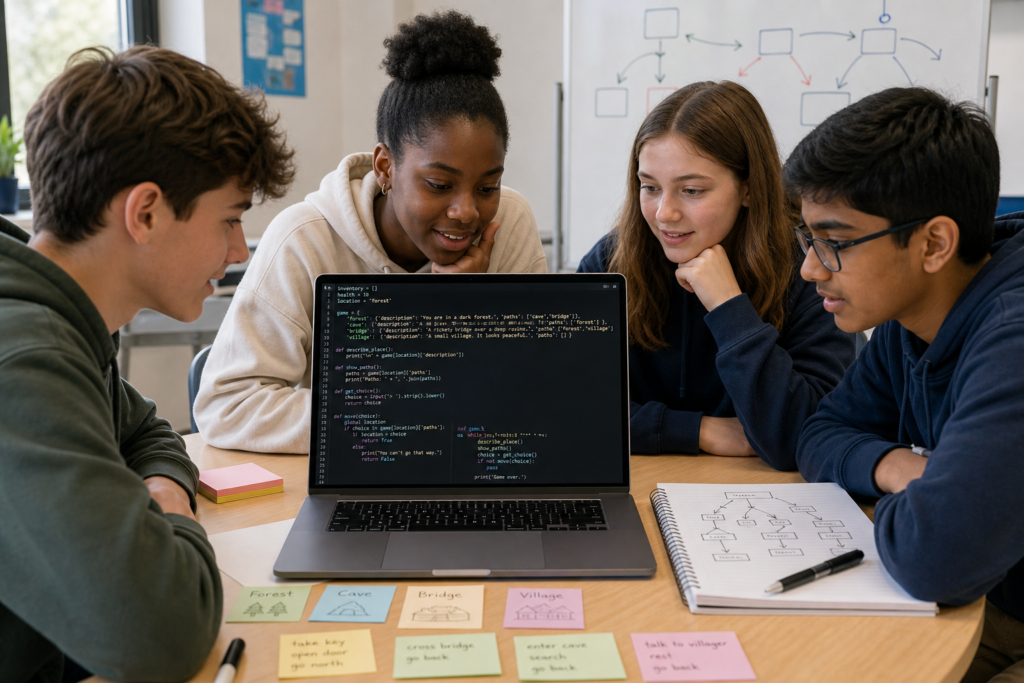
Lesson 29: Building a Text Adventure Game in Python
Bring decisions, input, functions and program flow together to understand how Python can power an interactive text adventure.
Explore this lesson
Lesson 30: Building Your First Complete Python Project
Bring the whole Level 1 course together by planning how separate programming techniques can become one organised and useful program.
Explore this lessonWhat Is Python?
Python is a programming language. It gives people a structured way to write instructions that a computer can process.
Those instructions can work with text, numbers, files and other information. They can make decisions, repeat operations, organise data and combine smaller pieces of logic into larger programs.
Python is widely used because its syntax is comparatively readable, but readable does not mean that programming requires no thought. Learning Python means learning how to describe a problem precisely enough for a computer to follow your instructions.
Start With the Foundations
The first part of the course deliberately begins with simple ideas. Before building games or larger projects, it helps to understand what actually happens when Python runs a line of code.
Lesson 1 introduces the Python environment on Windows. The following lessons move into program output, variables, numbers and strings.
These ideas may look small, but almost every larger Python program depends on them. A program needs somewhere to store information, rules for working with that information and a clear sequence of instructions.
Making Programs Interactive
A program becomes much more interesting when it can respond to information instead of always producing the same result.
The course introduces user input and explains an important Python idea: information entered by a user does not automatically become the type of data a program may need. Understanding strings, integers, floating-point numbers and type conversion helps explain why apparently simple values can behave differently inside code.
From there, comparisons and conditional statements allow programs to make decisions. Python can test whether something is true or false and choose which instructions should run next.
How Python Makes Decisions
Programs often need more than one possible path. A game might respond differently depending on a score. A quiz might check whether an answer is correct. A program processing a temperature might choose a different response depending on the value it receives.
Python uses conditions to make those decisions. Lessons on if, elif, else and Boolean logic introduce the foundations of control flow.
This is an important change in the course. Instead of simply executing a fixed series of instructions, your programs begin responding differently when their data changes.
Repeating Work With Loops
Imagine writing the same instruction twenty times because you want Python to repeat something. It would work, but the program would become longer, harder to change and easier to get wrong.
Loops solve this problem by allowing a block of instructions to run repeatedly. The course introduces while loops, for loops and range(), then develops the idea further by using loops with stored collections.
Learning repetition is one of the points where beginner programs can become much more capable without becoming dramatically longer.
Storing More Than One Piece of Information
A single variable is useful when a program needs one value. Real programs often need to manage groups of related information.
Python provides several data structures for this. Lists store ordered collections that can change. Tuples provide ordered collections designed not to be changed in the same way. Dictionaries associate keys with values, allowing information to be found by meaningful labels instead of only by position.
Understanding the differences between these structures helps learners think about how information should be organised before deciding how code should process it.
Functions Help Organise Bigger Programs
As programs become longer, simply adding more lines to one continuous block becomes difficult to manage.
Functions let programmers give a useful group of instructions a name and call those instructions whenever they are needed. Later lessons develop this through parameters, arguments and returned values.
This introduces a much broader programming principle: complicated problems become easier to reason about when they are divided into smaller parts with clear responsibilities.
Errors Are Part of Programming
Writing code does not mean getting everything right on the first attempt. Professional programmers encounter errors too.
Some mistakes prevent Python from understanding the code. Others occur while a program is running. A program can even run successfully while producing the wrong answer because its logic is incorrect.
The debugging lessons encourage learners to treat unexpected behaviour as evidence. Error messages, variable values and the path taken through a program can all provide clues about what actually happened.
This approach is more useful than changing code randomly and hoping the problem disappears.
Files, Modules and Larger Programs
Programs become more useful when they can keep information after they close or use functionality that has already been written.
Later Level 1 lessons introduce reading and writing text files and using Python modules and libraries. These topics show that a useful program does not have to contain every piece of information or functionality inside one file.
They also prepare learners for larger Python projects, where organising code and reusing existing tools becomes increasingly important.
Build Complete Python Projects
The final part of the course brings earlier ideas together.
Learners explore projects including a number guessing game and a text adventure before reaching Lesson 30: Building Your First Complete Python Project.
The goal is not simply to produce more code. It is to understand how variables, data structures, decisions, loops, functions, input handling, files and debugging can cooperate inside one organised program.
What Skills Does Learning Python Build?
Python teaches programming, but the thinking involved develops several wider skills too.
- Logical thinking helps you describe exactly what should happen and in what order.
- Problem solving helps you divide a difficult task into smaller manageable parts.
- Pattern recognition helps you recognise repeated structures and opportunities to simplify code.
- Debugging teaches you to use evidence to investigate why something did not behave as expected.
- Data thinking helps you decide how different kinds of information should be represented and organised.
- Precision matters because computers follow the instructions actually written rather than the instructions somebody intended to write.
- Persistence develops naturally when programs need to be tested, corrected and improved.
These skills are useful beyond Python. They support later study in programming, computer science, automation, data analysis and many other areas where complex problems need to be understood systematically.
Do You Need Previous Coding Experience?
No. Python Programming Level 1 is designed to begin with the foundations.
If you have never written code before, begin with Lesson 1 and follow the course in numerical order. New ideas are introduced progressively so later lessons can build on knowledge already established.
If you already know some Python, you can use the complete lesson list below to revisit specific subjects such as conditions, loops, lists, functions or debugging.
Python for Home Education and Independent Learning
Python is a useful programming course for home-educated teenagers and independent learners because each skill can be introduced in a clear sequence and developed through increasingly capable programs.
Programming is particularly well suited to independent and home education because learners can progress through concepts in a structured order while developing an understanding of how computing systems follow instructions.
Lenara Learning's Python course provides a clear route from beginner concepts towards complete programs without assuming previous specialist knowledge.
Parents and learners can also explore the wider Programming and Coding collection as more courses and lessons are added.
Who Is This Python Course For?
Python Programming Level 1 is designed for beginners who want to learn coding from the foundations. It is suitable for teenagers, home-educated learners, independent students and anyone who wants a structured introduction to Python without assuming previous programming experience.
The course begins with setup and simple instructions, then develops progressively through variables, decisions, loops, data structures, functions, debugging, files and complete beginner projects.
Start Learning Python
The best place to begin is at the beginning. Set up Python, understand how your first instruction works and let each new lesson add another piece to your programming knowledge.
Start Python Programming Level 1 with Lesson 1, or browse all 30 Python lessons below.
All Python Programming Level 1 Lessons
Work through the course in order from the Python setup and programming fundamentals to functions, debugging, files and complete beginner projects.
- Lesson 1: Setting Up Your Python Environment On Windows
- Lesson 2: Your First Python Program
- Lesson 3: Variables and Storing Information
- Lesson 4: Numbers and Calculations in Python
- Lesson 5: Working With Text and Strings
- Lesson 6: Getting Input From the User
- Lesson 7: Converting Between Text and Numbers
- Lesson 8: Making Decisions With If Statements
- Lesson 9: Using Else and Elif
- Lesson 10: Comparing Values in Python
- Lesson 11: Combining Conditions With And, Or and Not
- Lesson 12: Building Your First Python Quiz
- Lesson 13: Repeating Code With While Loops
- Lesson 14: Repeating Code With For Loops
- Lesson 15: Using Range to Control Loops
- Lesson 16: Lists: Storing Groups of Information
- Lesson 17: Adding, Removing and Changing List Items
- Lesson 18: Looping Through Lists
- Lesson 19: Tuples and When Data Should Not Change
- Lesson 20: Dictionaries: Storing Information in Key-Value Pairs
- Lesson 21: Creating and Using Functions in Python
- Lesson 22: Giving Information to Functions With Parameters and Arguments
- Lesson 23: Returning Results From Functions With Return
- Lesson 24: Understanding Python Errors and Debugging Code
- Lesson 25: Handling Python Errors Without Crashing
- Lesson 26: Reading and Writing Text Files in Python
- Lesson 27: Using Python Modules and Libraries
- Lesson 28: Building a Number Guessing Game in Python
- Lesson 29: Building a Text Adventure Game in Python
- Lesson 30: Building Your First Complete Python Project